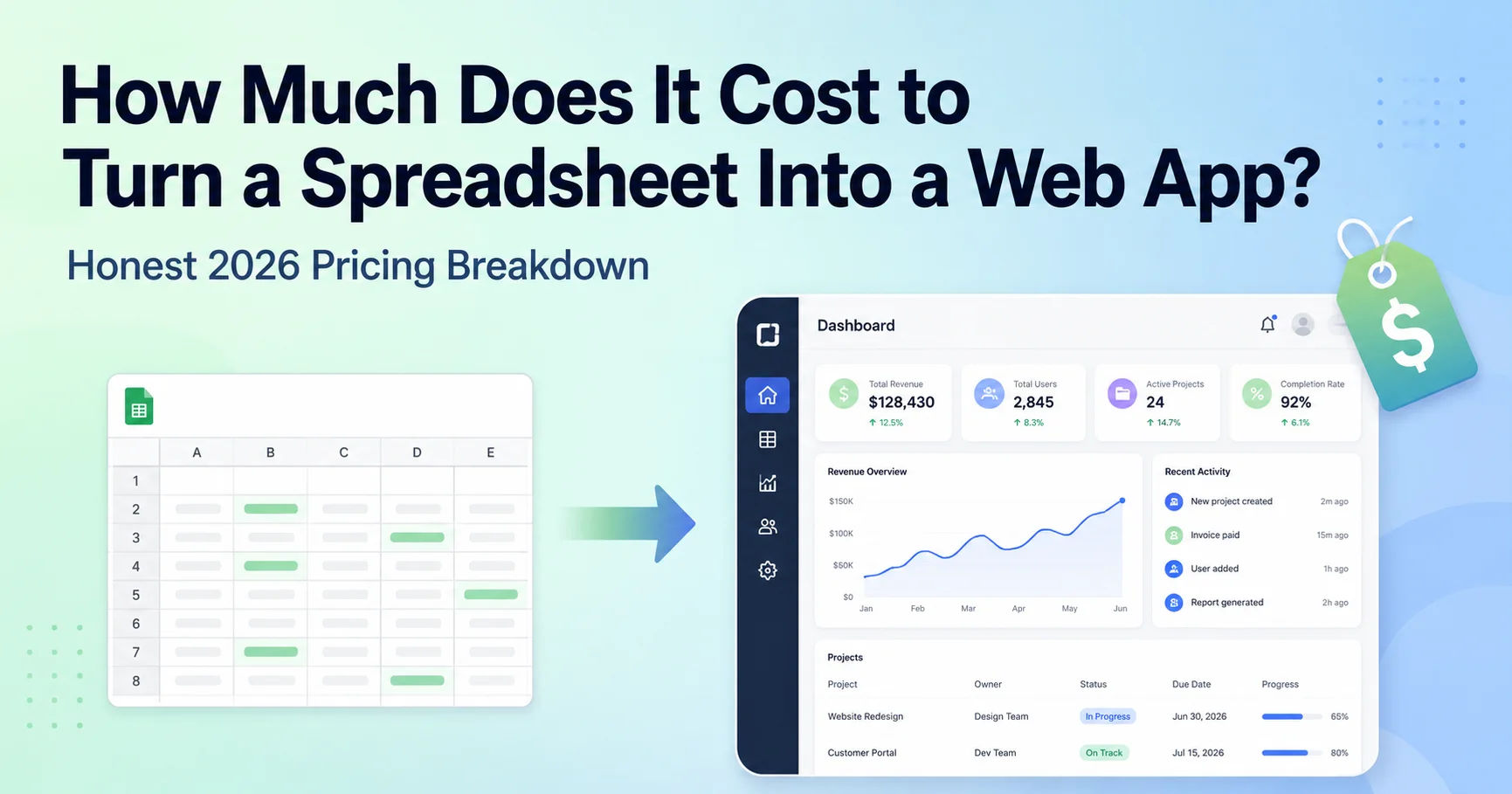
Drowning in spreadsheets and wondering what it costs to replace them? Here's an honest 2026 breakdown of your three options - keep the spreadsheet, use a no-code tool, or build a custom web app - and what each really costs.
Almost every growing business hits the same wall: the spreadsheet that used to run everything starts causing more problems than it solves. Someone overwrites a cell, two people edit different copies, and one wrong formula quietly costs you real money. So you start wondering what it would take to turn that spreadsheet into a proper web app - and, more importantly, what it would cost.
Here's an honest breakdown. I build these systems for a living, but I'll walk you through all three of your real options - including the ones that don't involve hiring me - so you can make the right call for your budget.
First, why spreadsheets break down as you grow
It's not that spreadsheets are bad - they're fantastic for planning and quick calculations. The trouble starts when a spreadsheet becomes the system your business runs on. Studies have found that around 90% of spreadsheets with more than 150 rows contain at least one significant error, and teams can lose many hours a week just patching and reconciling them. Add multiple people editing at once, no access control, and no reliable history, and you've got a fragile foundation for something important.
When you notice errors creeping in, version confusion, or work that only one person knows how to do, that's the signal you've outgrown it.
Your three options (and what each costs)
Option 1: Keep the spreadsheet - $0, but with hidden costs
If your process is still simple and only one or two people touch it, don't change anything. The "cost" here isn't money - it's the hours lost to manual work and the risk of a costly error. Once that risk gets real, it's time to consider the next options.
Option 2: A no-code tool - roughly $20 - 100+/month
Platforms like Glide, Softr, or Airtable can turn a spreadsheet into a simple app without a developer, usually for a monthly subscription. This is genuinely a good starting point for straightforward needs - forms, simple dashboards, basic databases.
The honest catch: you're renting, not owning, and you hit a ceiling. When you need custom logic, specific integrations, a particular user experience, or to remove per-user fees at scale, you end up fighting the tool. Many businesses start here and move on once they outgrow it.
Option 3: A custom web app - roughly $3,000 - 15,000+ to build
A custom-built app does exactly what your business needs, with no monthly per-user tax and no ceiling. For a focused internal tool that replaces one spreadsheet workflow - logins, a clean interface, proper data, maybe some automation - a realistic range is around $3,000 - 8,000. More complex tools with multiple roles, integrations, and reporting climb from there.
The upside beyond features: you own it, it scales, and it's built around how you actually work instead of forcing you into a template.
What actually drives the price
How many workflows you're replacing. One spreadsheet is affordable; digitizing five interconnected processes is a bigger project.
User roles and permissions. "Everyone sees everything" is cheap; role-based access with approvals costs more.
Integrations. Connecting to your existing tools (email, payments, accounting) adds real work.
Automation and reporting. Simple data entry is inexpensive; automated workflows and live dashboards add to it.
How to spend the least without regretting it
Do exactly what I tell clients: don't rebuild the whole spreadsheet at once. Pick the single workflow that causes the most pain - the one everyone complains about - and turn just that into an app first. It's cheaper, you see the value fast, and it tells you whether it's worth digitizing the rest. Scope discipline is what keeps this affordable.
Frequently asked questions
Is it cheaper to use a no-code tool or build a custom app?
Upfront, no-code is cheaper - often $20 - 100/month with no build cost. Custom costs more to build (typically $3,000+) but you own it and avoid growing monthly per-user fees. No-code is great until you hit its limits.
How much does it cost to turn one spreadsheet into a web app?
For a single, focused workflow with logins and a clean interface, a realistic range is around $3,000–8,000 for a custom build. Complexity, user roles, and integrations move the number up.
Should I start with no-code or go straight to custom?
If your needs are simple, start with no-code - it's the cheapest way to test the idea. Go custom when you need specific logic, integrations, ownership, or you've already hit a no-code tool's ceiling.
How do I keep the cost down?
Digitize one high-pain workflow first instead of the entire spreadsheet at once. It lowers the upfront cost and proves the value before you invest further.
If your business is being held together by a spreadsheet that's starting to crack, I can help you figure out the most cost-effective path - no-code or custom - honestly. Tell me about your workflow (https://osamahabib.com/contact) and I'll give you a straight recommendation and a realistic price.
Osama Habib
Multan, Pakistan
Full Stack Developer specialising in Next.js, Node.js, and the MERN stack. I write about modern web development, system design, and practical engineering.