Everyone talks about AI changing development. Here's what it actually looks like in a real daily workflow - the tools, how I use them, and where I still trust my own hands.
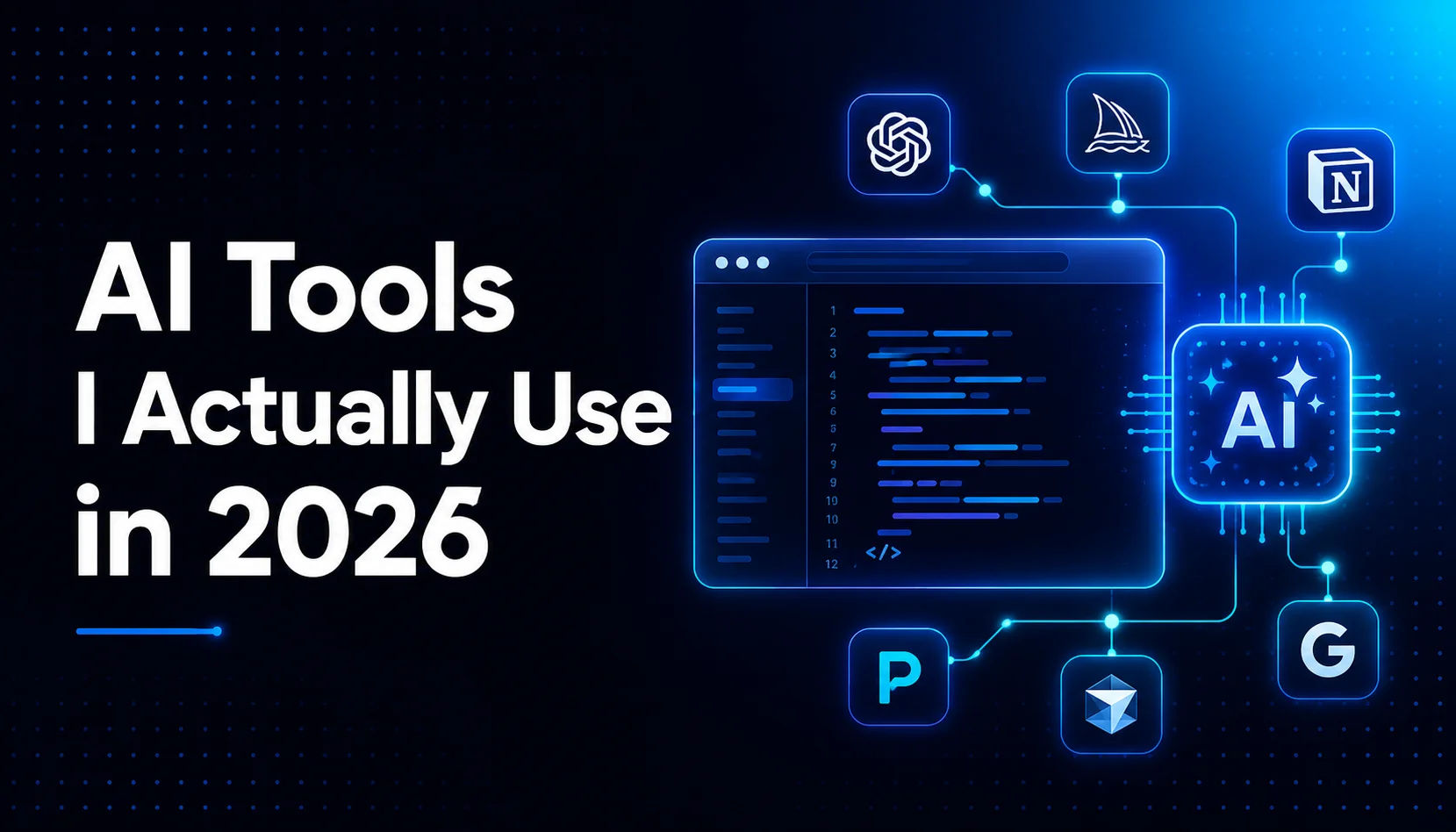
Everyone talks about AI changing development. Here is what it actually looks like in a real daily workflow: the tools, how I use them, and where I still trust my own hands.
This is not a generic listicle. I work full stack with Next.js, Node.js, FastAPI, PostgreSQL, and MongoDB, and these are the tools that survived months of real client work.
The shift that actually matters
Most developers I meet are either fully committed to AI or deeply skeptical of it. Both camps miss the point. AI tools produce a speedy and efficient approximation of what you want, and it takes a skilled developer to direct that approximation into production-ready work.
The real shift for me was moving from expecting AI to do my work toward using it to eliminate friction in my workflow. That small change in mindset is what unlocked the actual speed gains.
Cursor: where I actually write code
I switched from VS Code to Cursor about eight months ago, and the biggest value is codebase context. Cursor indexes the entire project, so its suggestions understand my actual models, utilities, and naming conventions instead of generic patterns.
How I use it: the mechanical work. Boilerplate, TypeScript interfaces, repetitive refactors, and first drafts of tests. The logic stays mine. The keyboard work it does.
Claude for the hard problems
When I hit a genuinely hard problem, a slow database query, an architecture decision, a bug that makes no sense, I reach for Claude. The advantage over searching Stack Overflow is context: I can paste the full situation, the schema, the error, and the constraint, and get an answer that addresses my specific case instead of someone else's five-year-old question.
It does not always solve the problem outright. But it reliably gets me unstuck, and that is worth a lot on a client deadline.
GitHub Copilot is still in my stack, for one thing
Copilot writes my unit tests. I give it a function, and it produces a solid first draft of the test suite. Not perfect, and I review and adjust everything, but it turns a boring hour into ten focused minutes.
Where I do not use AI
This part matters as much as the tools. I do not use AI for authentication logic, payment handling, security-sensitive code, or system architecture decisions on critical systems. The risk of a subtle error that looks correct but is not is too high. If a mistake in that code costs my client money or trust, it gets my full attention, not an approximation.
The honest math
Across a normal week, these tools save me somewhere between 90 minutes and two hours a day, almost all of it from removing friction rather than generating features. Compounded over a year, that is entire projects worth of shipped work. The caveat: the moment you stop reviewing what AI produces, you start creating problems faster than you solve them.
The one-line summary
AI does not make you a better developer. It makes a good developer faster. Everything else is still on you.
Frequently asked questions
What AI tools do full stack developers actually use in 2026?
In my daily workflow: Cursor as the main editor for codebase-aware suggestions and boilerplate, Claude for hard debugging and architecture questions, and GitHub Copilot for generating first drafts of unit tests.
Do AI coding tools actually save time?
Yes, realistically 90 minutes to two hours a day in my experience, mostly by removing friction from mechanical work rather than by writing features. The gains compound only if you keep reviewing the output.
Can AI write production code on its own?
No. AI produces a fast approximation of what you want. It takes an experienced developer to direct, review, and correct that output into something production-ready.
Should you use AI for security-sensitive code?
I do not. Authentication, payments, and security-critical logic carry too much risk of a subtle error that looks correct but is not. That code deserves full human attention.
I use exactly this workflow to ship client projects faster without cutting corners. If you have an MVP or a web app that needs to move quickly and still be built right, tell me what you are building (https://osamahabib.com/contact) and I will show you how fast careful can be.
Osama Habib
Multan, Pakistan
Full Stack Developer specialising in Next.js, Node.js, and the MERN stack. I write about modern web development, system design, and practical engineering.